
05 / 23 · OH_ PLUGIN
CRT
Your footage on a CRT television.
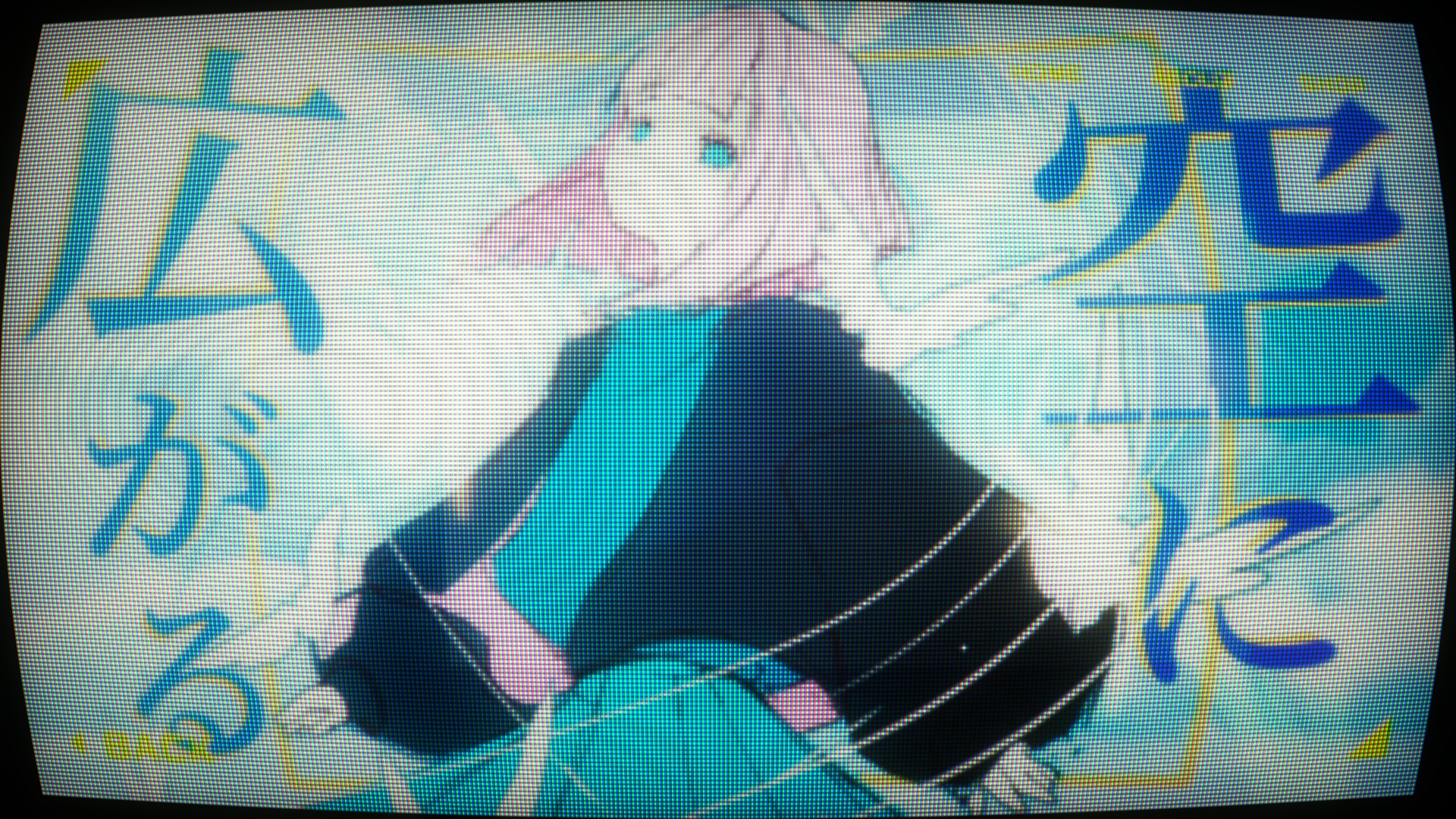

BEFOREAFTER
Makes your footage look like it's playing on an old CRT television: large, soft pixels made of red, green and blue phosphors, scanlines between the rows, bulging glass (Lens) and rounded corners, dark edges, color fringing and glow. Noise, flicker, a rolling band and jittering rows can also reproduce a poor signal.
Parameters
The same order as the Effect Controls panel. Hover (or tap) an item for its description. The sliders move too (the picture doesn’t).
OH_CRTResetAbout...
About & Support

Pixels
Mask
Color
Signal
Screen
—
Hover a parameter and its description appears here.
Tips
- Match Pixel Size to your footage resolution. For 1080p, around 4-8 looks natural.
- A touch of Roll and Jitter gives you a TV with bad reception. Too much Noise hides the image, so start around 10-30%.